Build the model
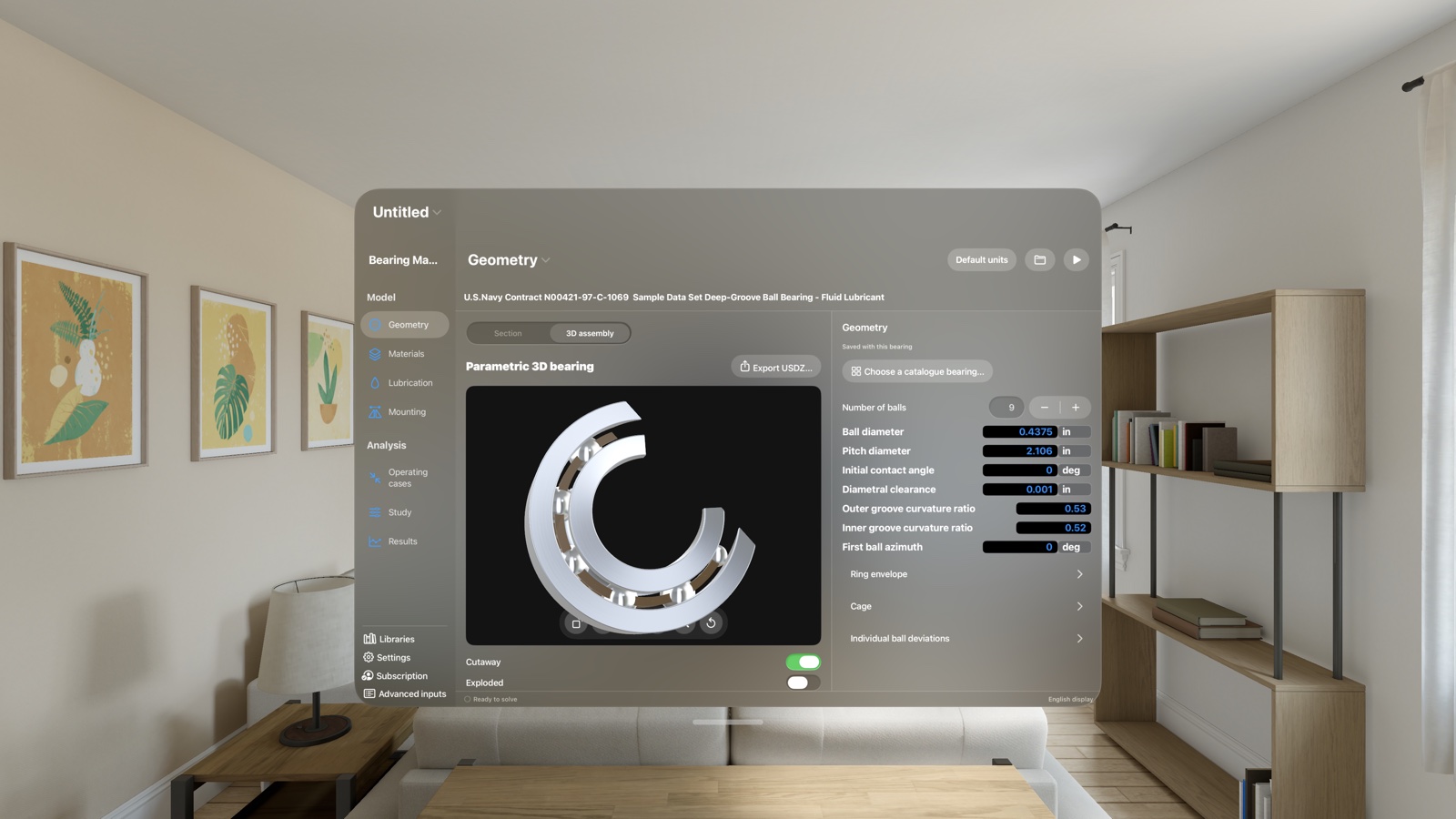
Configure bearing geometry, fits, materials, lubrication and operating cases. Use editable libraries and metric or imperial display units.
Available now on the App Store

See inside the bearing.
Explore ball-bearing geometry, operating conditions and calculated contact behavior in an interactive engineering workspace.
For Mac, iPhone, iPad and Apple Vision Pro.
Free download · Calculations: US$5/month in the United States · 14 days free for eligible new subscribers. Local prices vary.
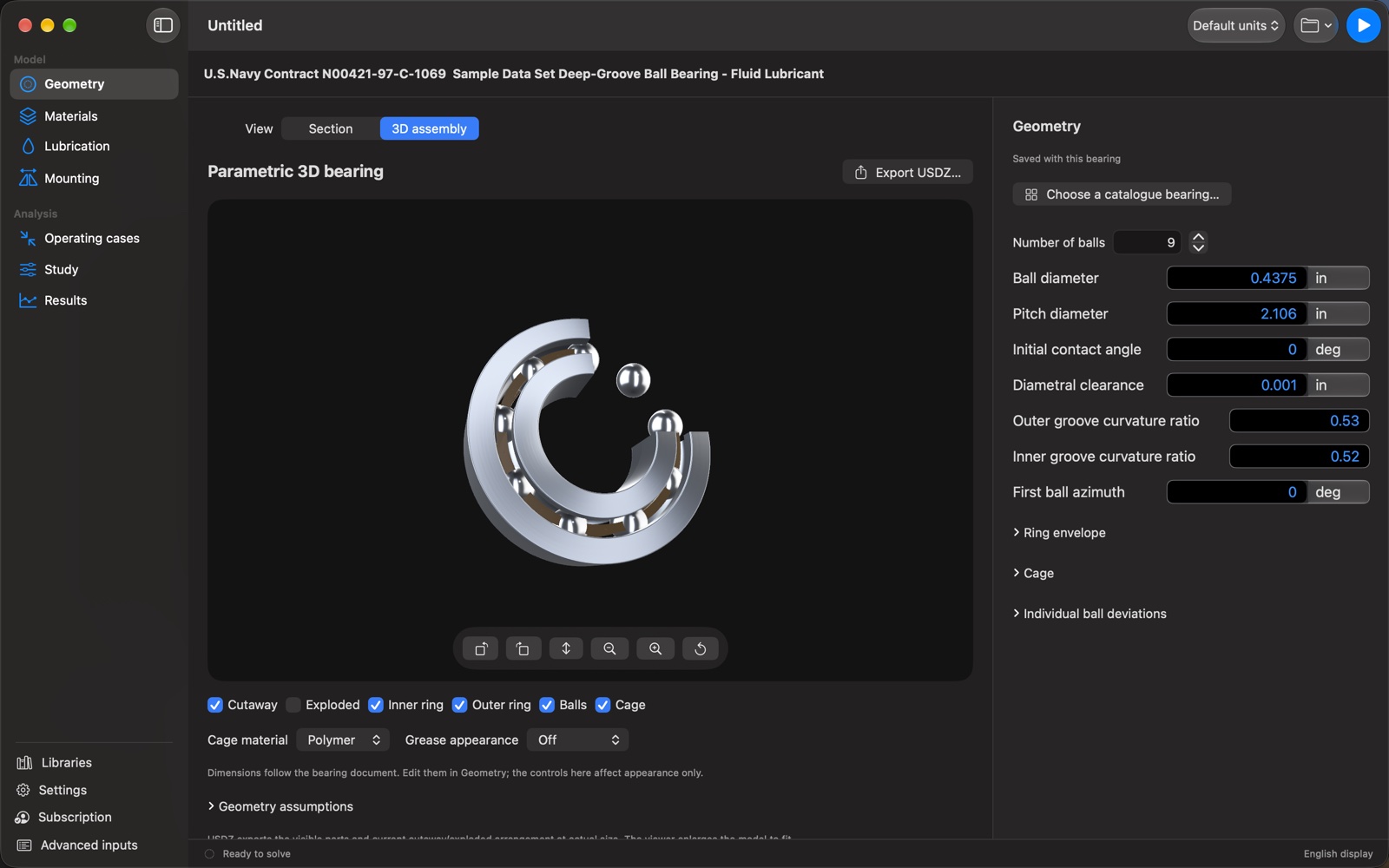
Configure bearing geometry, fits, materials, lubrication and operating cases. Use editable libraries and metric or imperial display units.
Calculate contact loads, Hertz pressures and supported bearing-life results. Select balls in linked section views and result tables, and compare clearance classes.
Save project inputs, import Harris .bbi files, and export calculated results and contact or duty-cycle tables. Calculations run locally without a Maven account.
Follow worked examples for radial load distribution, thrust loading, cage speed and bearing stiffness. Each write-up explains the inputs, source equations, comparison results and what the example establishes.
Three teaching adaptations show how nine balls share radial or thrust load, and how both ring speeds determine nominal cage speed.
A2 radial and thrust cases from the AFAPL design report differ by about 4.6–5.8% from its chart answers. An opposed-pair comparison adds the member tangents.
The PA2 case holds axial displacement from a preload state. Its approximately 19% stiffness discrepancy is documented for further investigation.
Open the downloaded .bearing files in Frictionless contact (level 1). Reference results were checked with the development solver on October 3, 2026; model limits are stated in the write-ups.
Actual app screenshots from the release. Select an image to view it at a larger size.
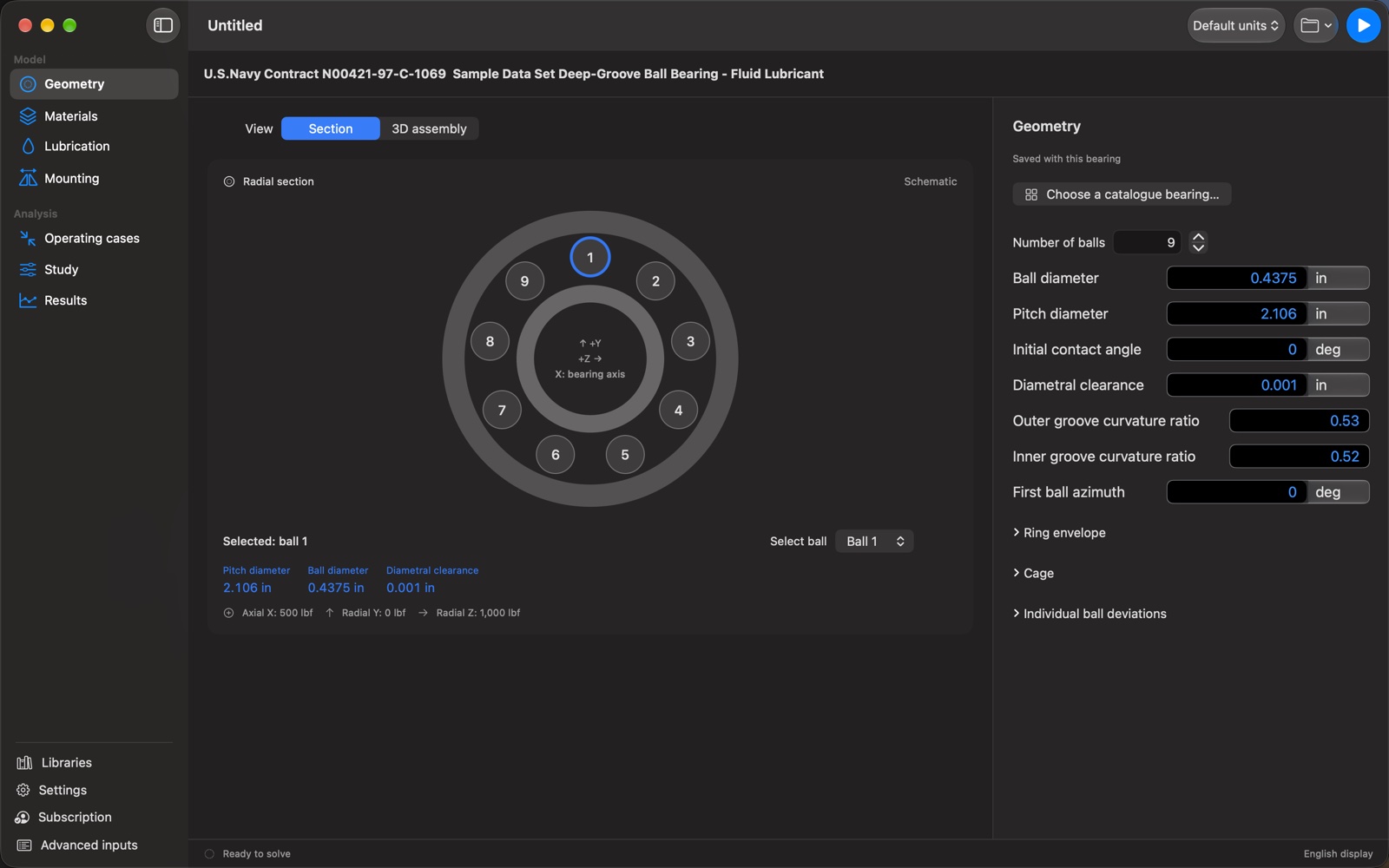
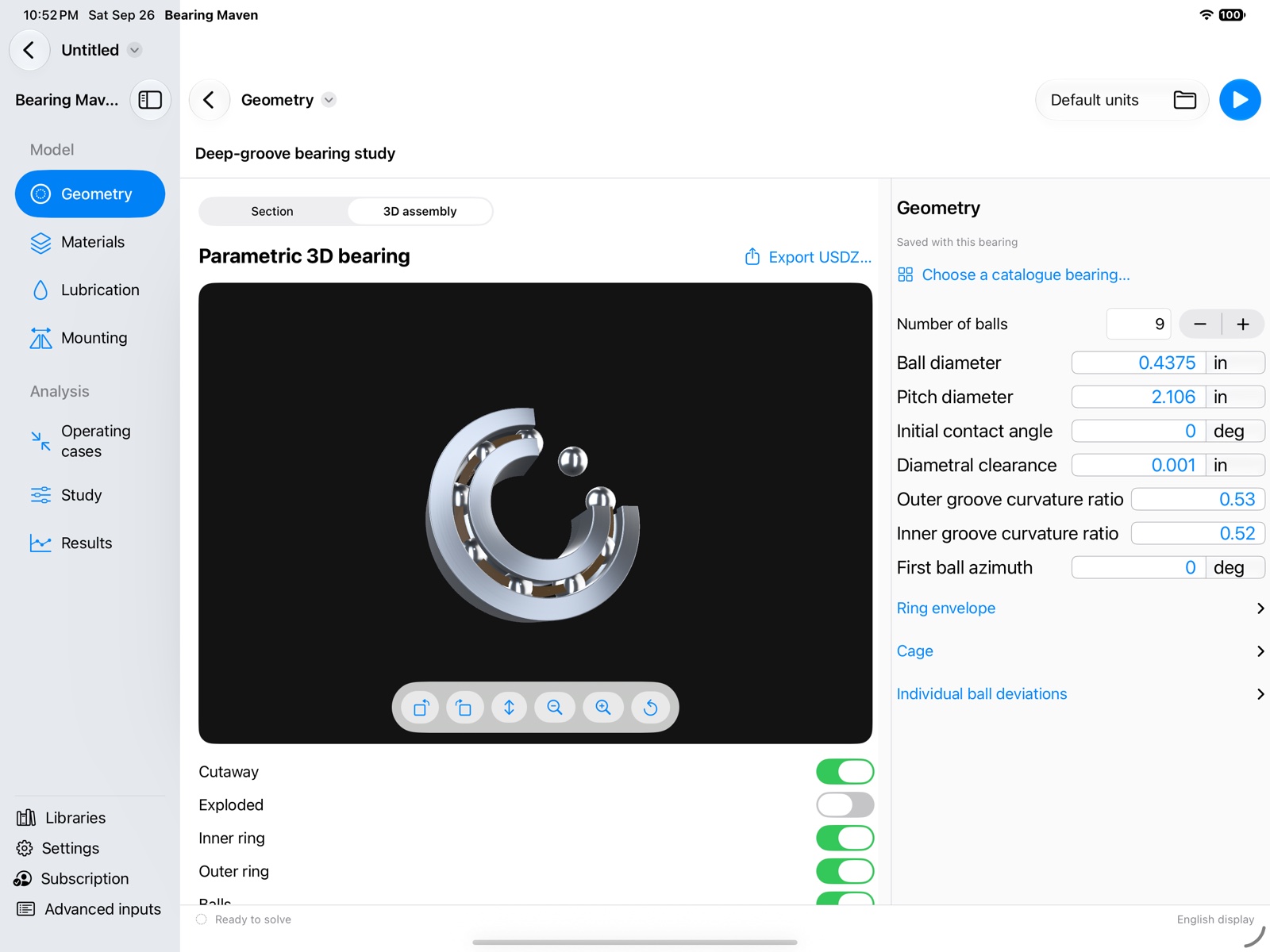
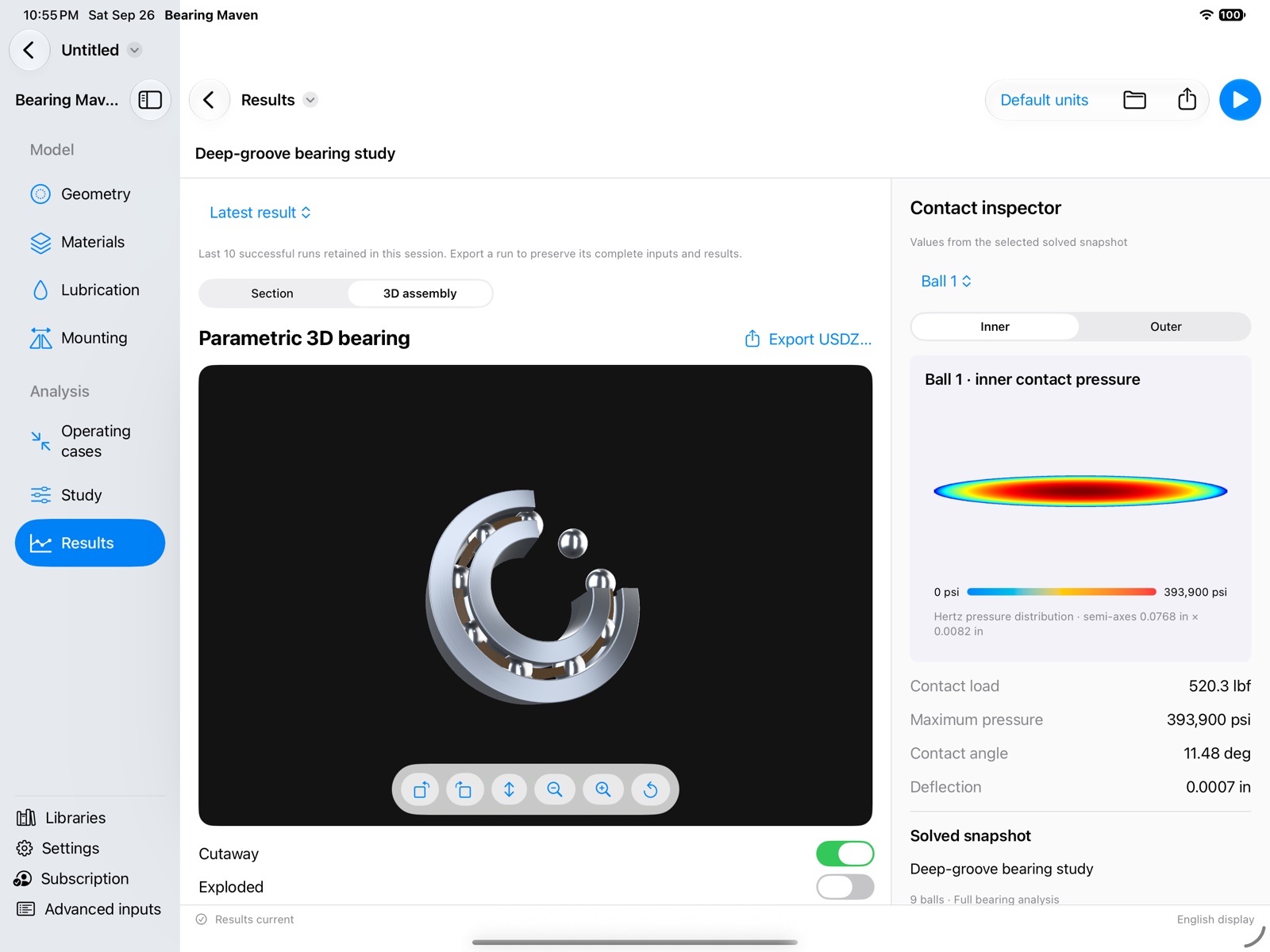
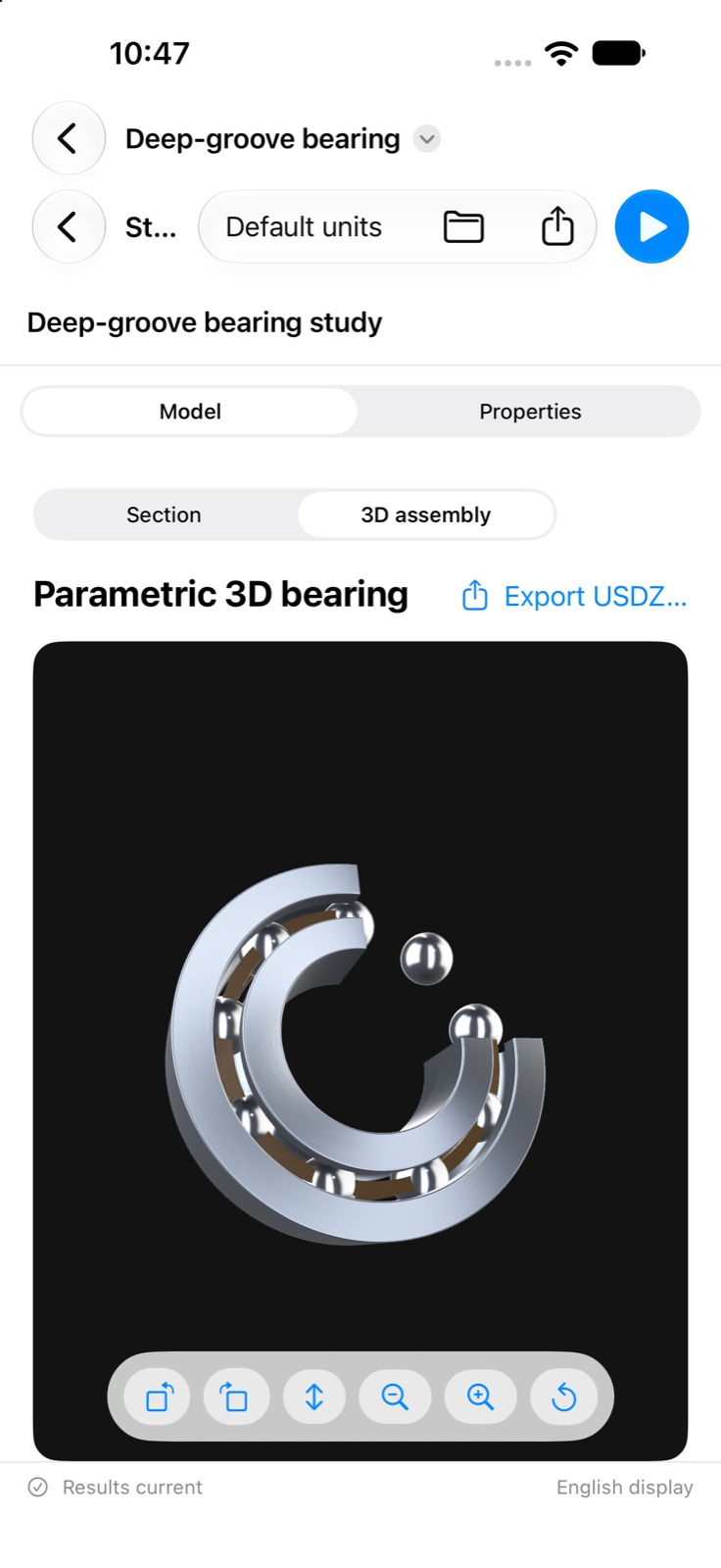
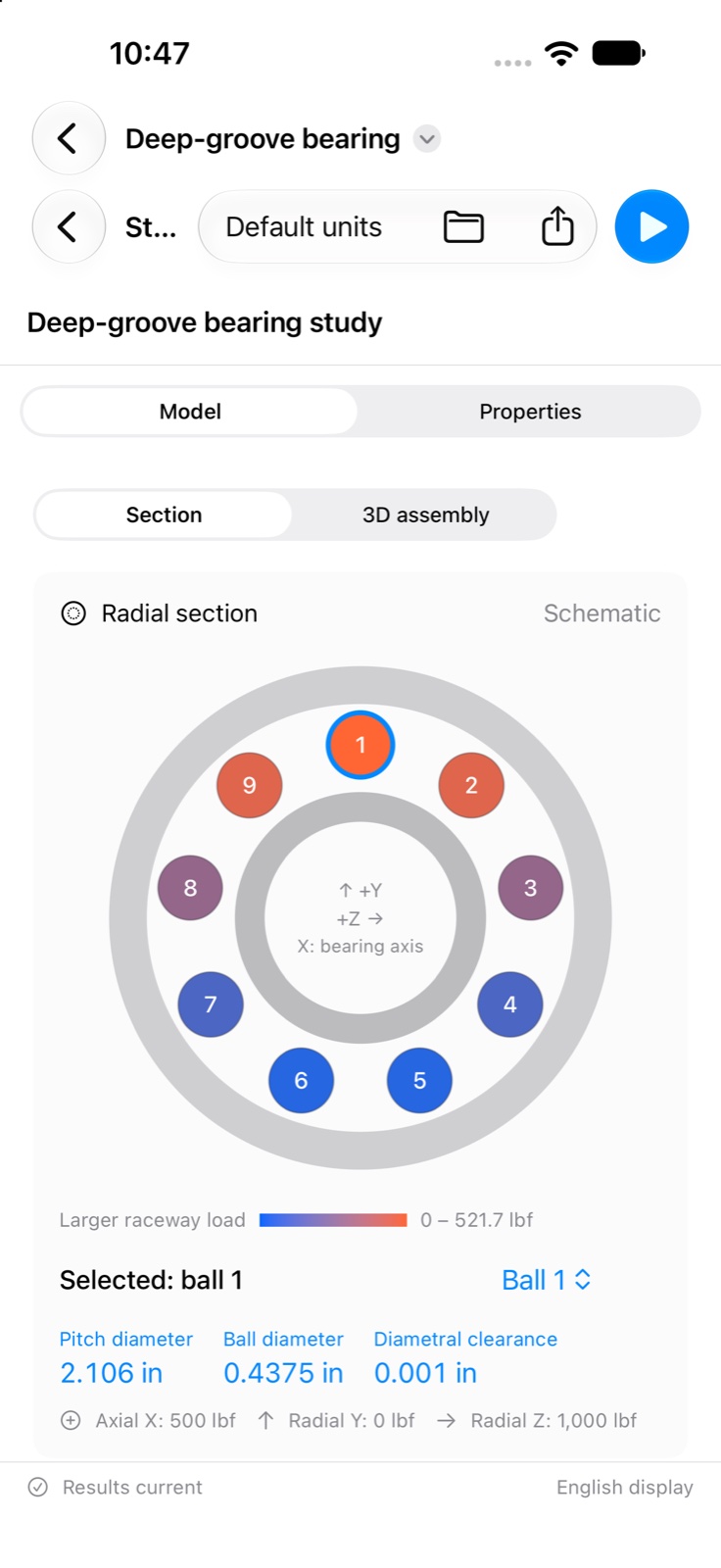
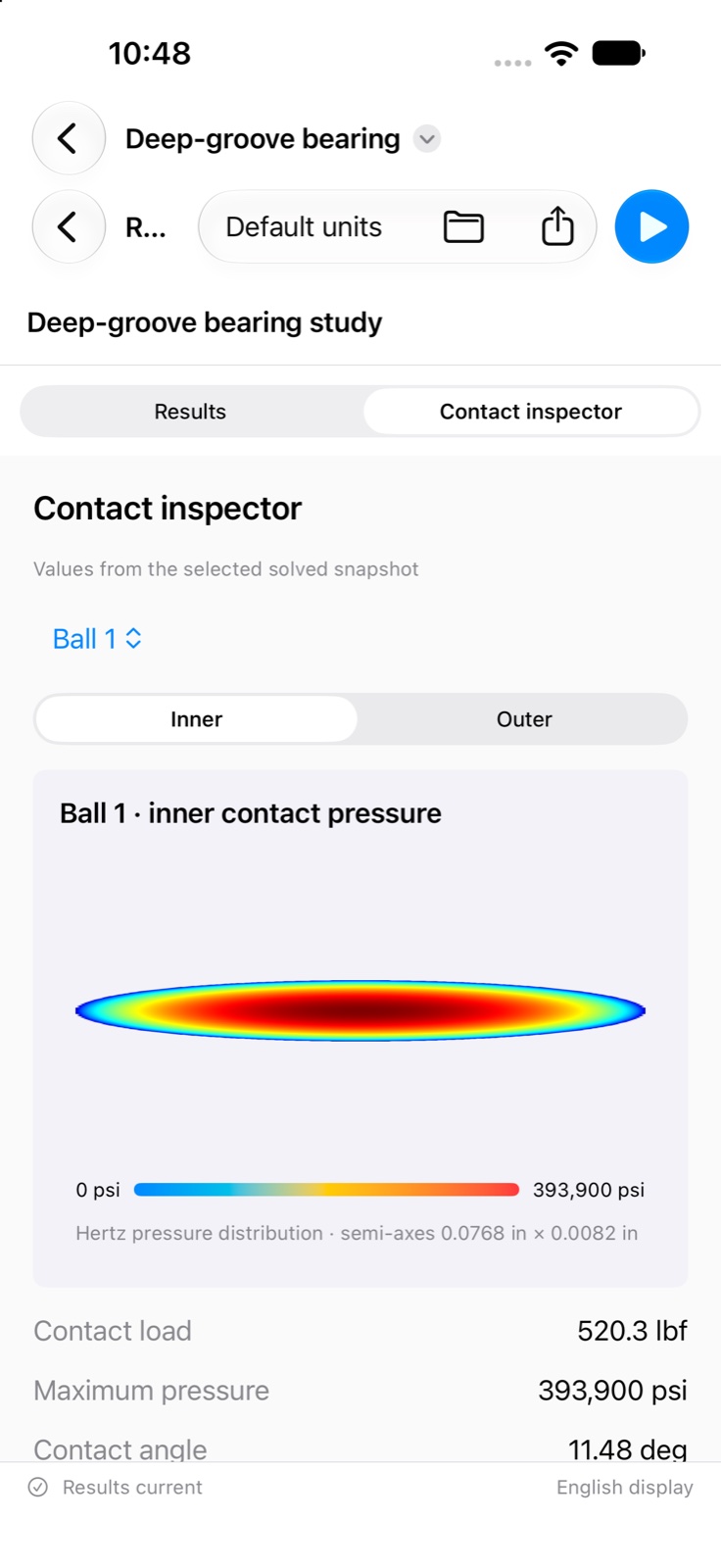
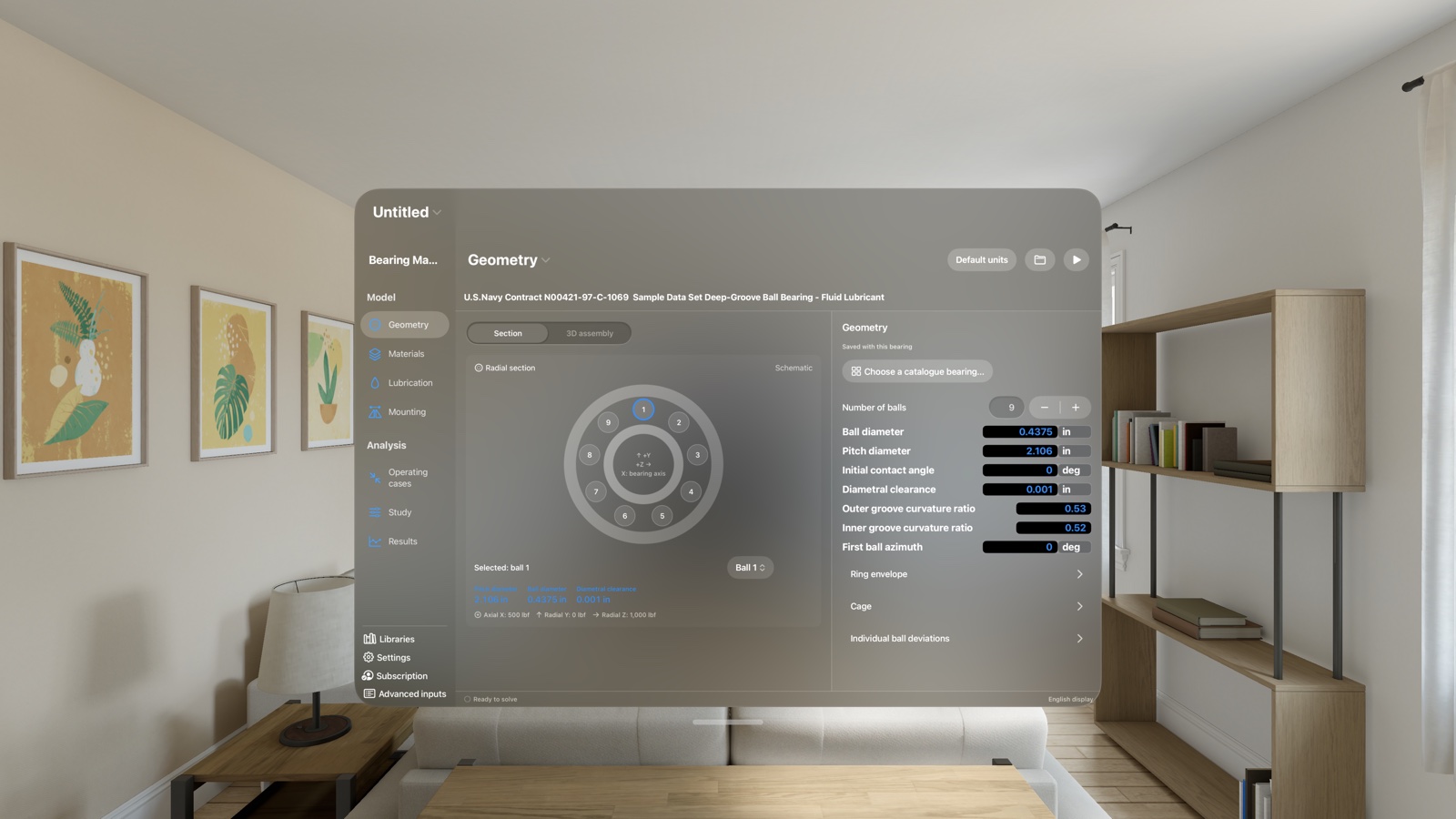
Open, edit and save engineering inputs for free. Running calculations and comparing clearance classes requires a Bearing Maven subscription: US$5 per month in the United States, or the price shown in your local App Store. Eligible new subscribers receive a 14-day free trial. Your Apple account subscription works across the supported platforms.
After the trial, the subscription renews automatically at the displayed monthly price unless cancelled at least 24 hours before the current period ends. Manage or cancel in your Apple account settings. Restore purchases from Subscription in the app.
Requires iOS 27, iPadOS 27, macOS 27 on Apple silicon, or visionOS 27, or later. The interface is localized; original solver reports and machine-oriented export headers remain in English.
Based on Harris–Kotzalas rolling-bearing methods and Harris course code. Results depend on the selected model and supported conditions. Review assumptions, estimated catalogue dimensions and calculation messages, and independently verify results for your application.
Project data and calculations are processed on your device. You choose where project files and exports are saved. Saved projects contain inputs; export results separately to keep a calculation record.
Start with the app’s available examples and review the engineering assumptions before applying results to your equipment.
Free download; calculations require a subscription. Research examples on this website were checked with the development solver.