 MAVEN SOFTWARE
Major release ·
Eliminate splice layout mistakes.
With Augmented Reality.
Steel Cord Splice is here. Bring your splice design onto the belt at actual size. Augmented reality helps the crew check the layout and follow construction, step by step, on a compatible iPhone or iPad.
iPhone · iPad · Mac / Field AR on compatible iPhone and iPad
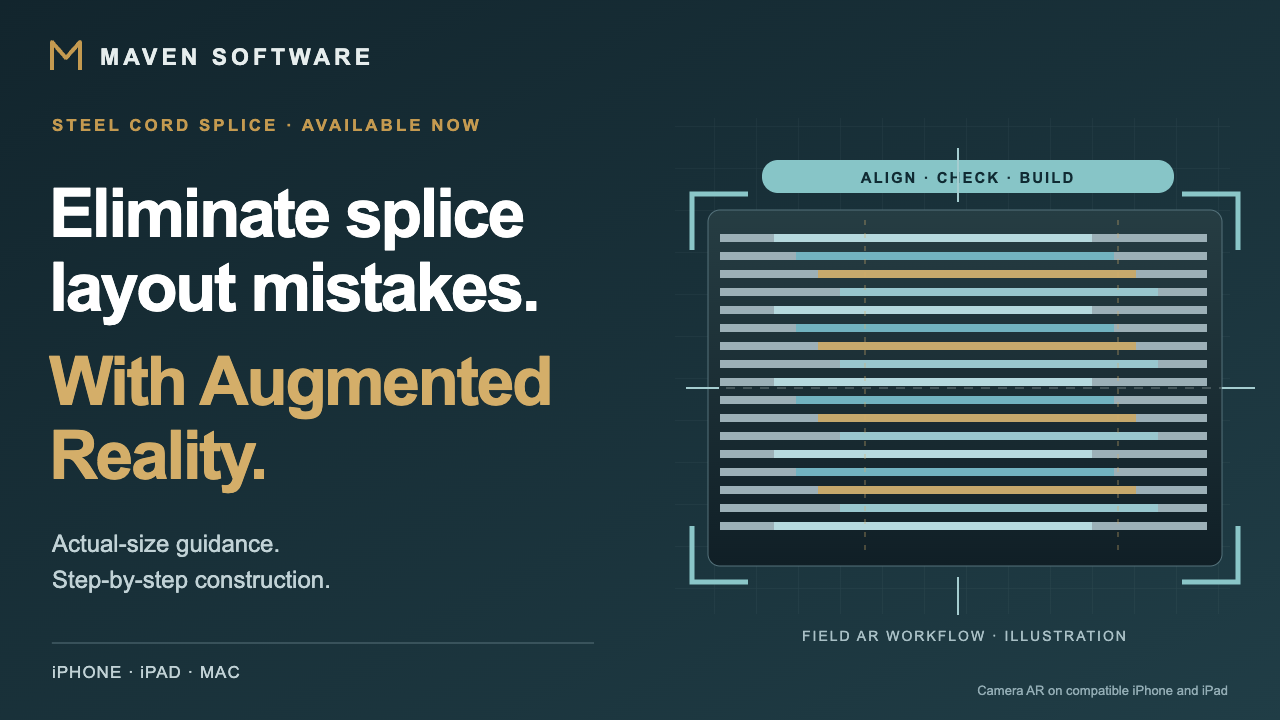
Augmented reality for splice construction
Your design. Actual size.
Right on the belt.
A dimensioned drawing is essential. AR adds the view that changes the job: the splice layout in the working area itself. See belt-end preparation, cord positions and rubber placement in context, and check each stage against the design.
- Open the design the crew will build.Open the saved splice or receive the assigned Crew job and its revision.
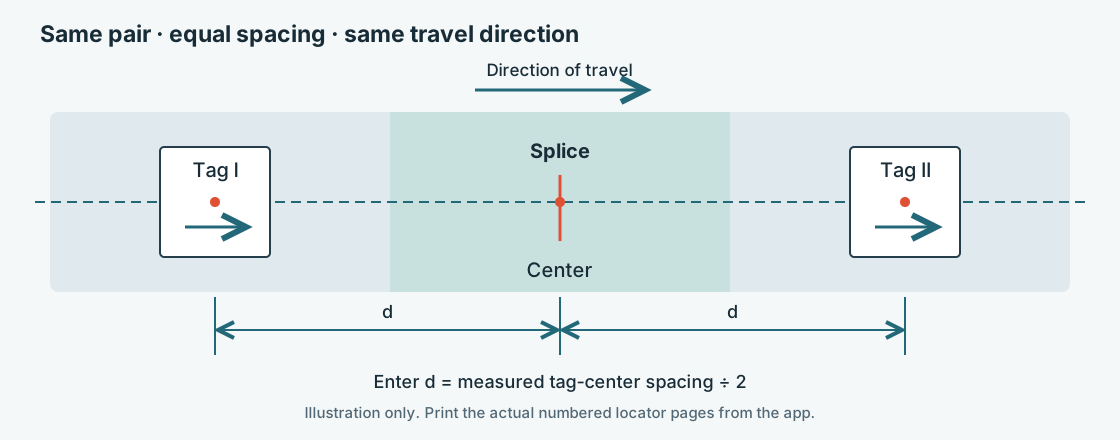
- Place and align the model.Use the supported placement workflow, printed locators and the actual measured distance.
- See the next step on the belt.Follow all eleven steps, inspect each belt end, and watch the cords and rubber noodles laid in sequence.
Less guesswork in translating the drawing into the layout. Use the visual reference to spot a mismatch and check it before moving to the next step.
Explore the AR construction workflow →Camera AR runs on compatible iPhone and iPad devices. Mac provides design, analysis, drawings, cure modeling and 3D viewing. Own-design AR and live shared-session hosting require Premium.
A major release from Maven Software
Steel Cord Splice is now available for iPhone, iPad and Mac. Its standout feature is augmented reality assistance for splice construction in the field: the engineering design becomes a visual guide where the crew is working.
Behind that field experience is the complete engineering workflow: steel cord belt design, splice design and finite element analysis, dimensioned splice drawings, and cure modeling. Design and analyze in the office. Bring the same job into the field.
The engineering behind the AR
One design. From engineering
to field construction.
Build the belt, analyze the splice, prepare the drawing and model the cure. Bring that work together in the field with AR.
Start with the belt itself.
Define belt dimensions, cord construction, covers and breakers. Inspect the construction in 3D and carry the belt’s geometry into splice layouts and material estimates.
Compare the layout and the load path.
Explore step patterns and combination splices. Model cord tension and rubber shear with finite element analysis, compare alternatives, and retain the analysis results with the engineering work.
Give the crew a drawing they can work from.
Inspect full, center, repeating and edge patterns. Prepare dimensioned field PDFs, DXF drawings, cable schedules and material exports with job details and the selected units.
Look inside the cure cycle.
Explore press heat-up, optional soak, curing and cooling. Review the modeled temperature and cure through the splice, then carry job-specific curing instructions onto the field drawing.
Engineering that travels with the job
Plan it. Check it.
Put it in the crew’s hands.
- DefineBuild the belt specification and confirm supplier dimensions.
- AnalyzeReview splice geometry, material estimates, cord loads and rubber shear.
- DocumentPrepare field drawings, cable schedules, material lists and reports.
- ModelExplore the press and cure cycle before the physical cure.
- ConstructReceive the assigned job, place the AR model and follow the sequence at the belt.
Sixteen interface languages and metric or imperial display help keep the workflow accessible across the engineering office and field crew.
Read the illustrated user manual in 16 languages →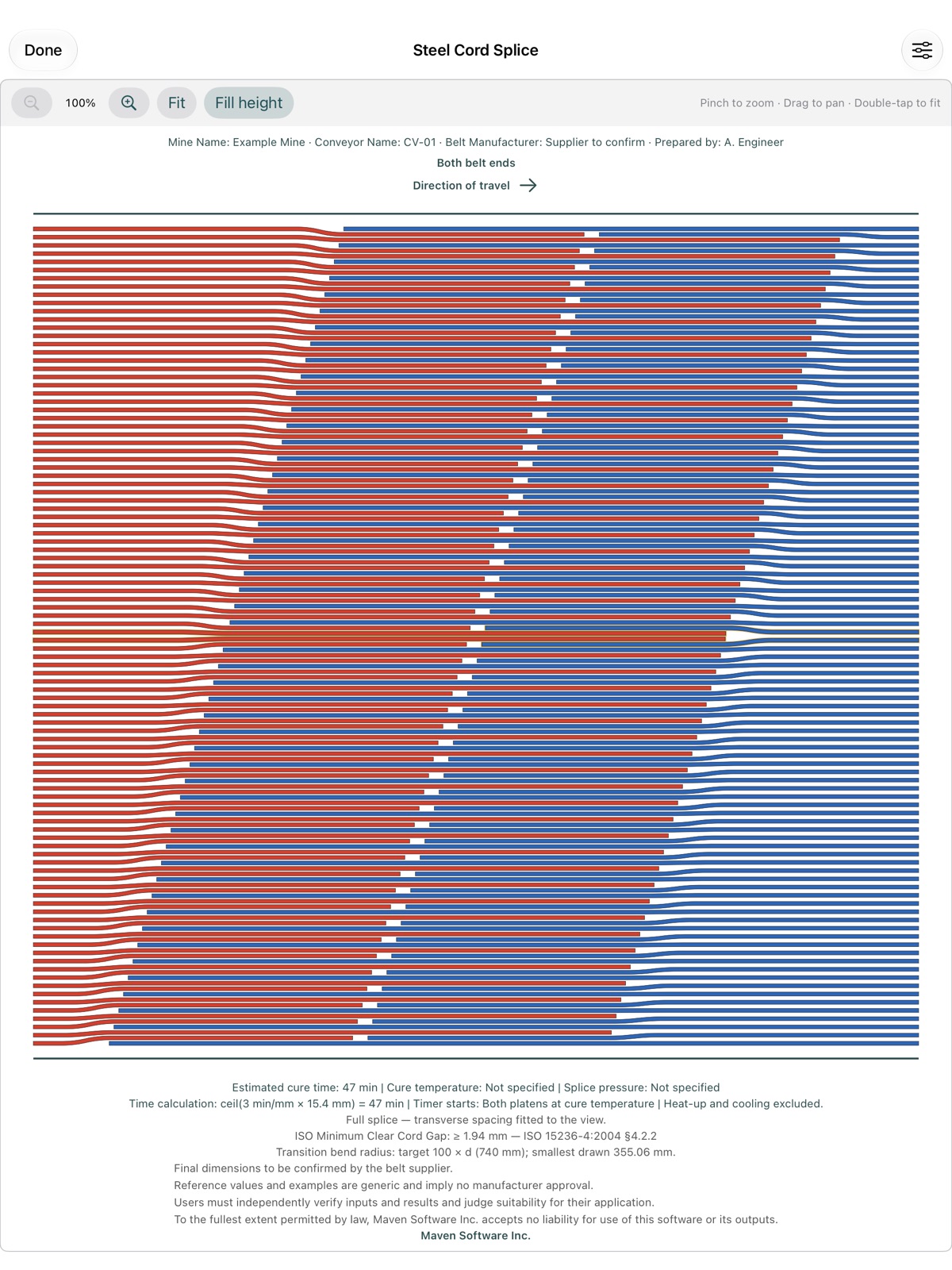
Begin with a practice splice
A field workflow you can learn before the job.
The built-in Training splice is free. Practice all eleven steps in 3D, print reusable training tags, or try training placement without printed tags on a compatible iPhone or iPad. Then use the illustrated manual to learn job placement, measured locators and Crew sharing.
Available now · iPhone · iPad · Mac
Bring the design to the belt.
Start with the free Training splice. Explore the engineering workflow. See the construction in context.
Engineering use. Reference values, defaults and examples are engineering aids. Confirm final dimensions and procedures with the belt supplier and independently verify inputs, model assumptions, results and site suitability. AR is an assistance and visualization tool; physical measurements and qualified site procedures remain essential.
Engineering-use terms